AI视频转绘画技术:动态影像逐帧转化为艺术画作的完整教程
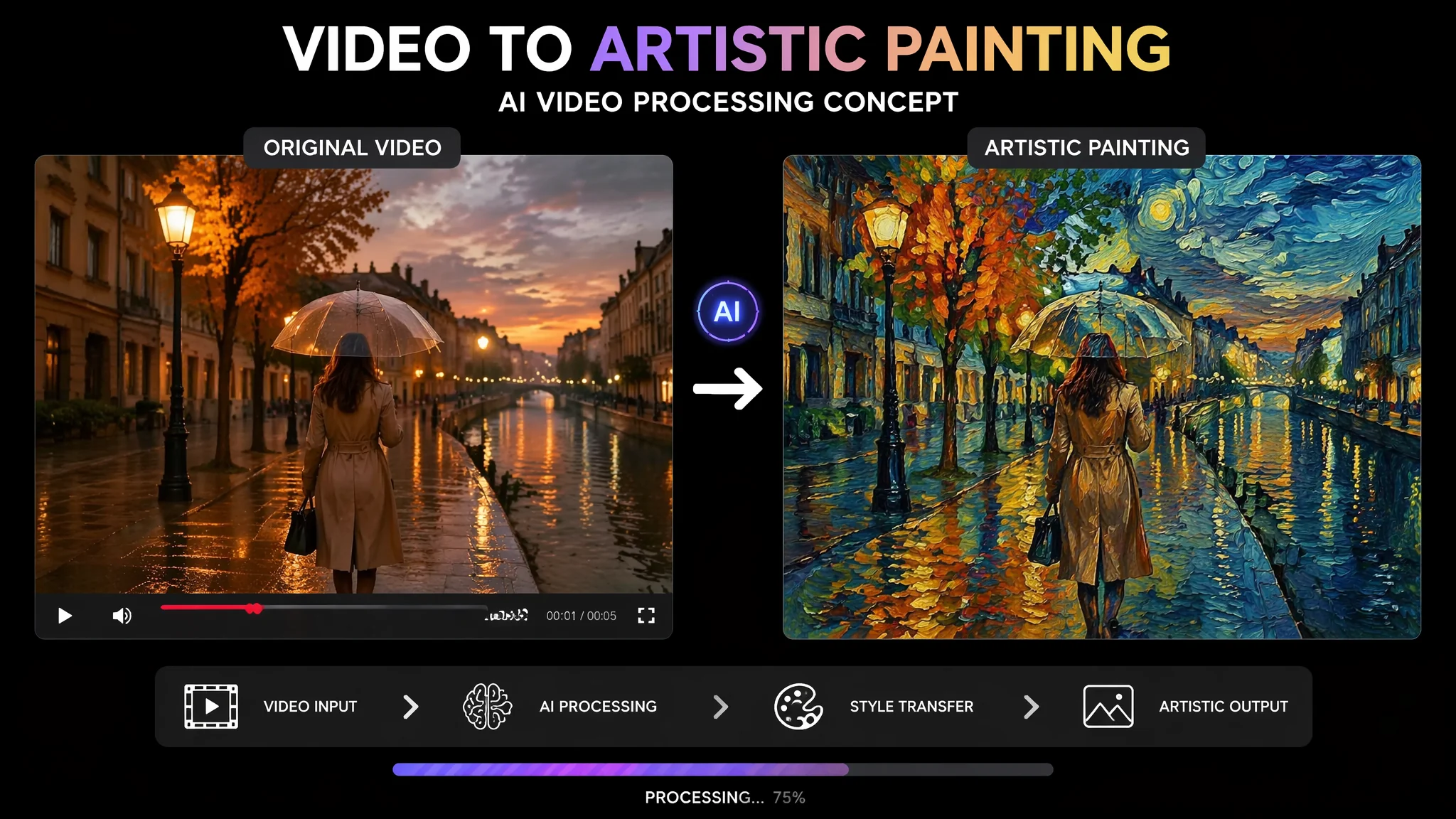
去年我在B站看到一条视频——有人把自己打篮球的录像用AI转成了梵高风格的动画,每一帧都是厚重的油彩笔触,篮球在空中划出的弧线变成了一道道旋转的靛蓝色漩涡。我当时觉得这也太帅了,于是把自己去年旅行的vlog也扔进去转——结果惨不忍睹。画面疯狂闪烁像在蹦迪、人物的脸每三帧就换一个风格(第一帧是油画、第二帧是水彩、第三帧是素描)、有一段路灯光下的画面干脆变成了一团流动的调色盘——完全看不出原本拍的是什么。后来我才搞清楚:视频转绘画和单张图转绘画在技术上是两个完全不同的物种。单张图转绘画只需要考虑"这一张好不好看"——视频转绘画需要额外考虑"第3帧和第4帧之间画面跳不跳""第10帧的风格是不是和第1帧保持一致""运动物体在转绘后轮廓是否稳定"。这些问题每一个单独拆开都是一个技术难题。这篇把我和闪烁斗争了两个月总结出来的稳定工作流完整写出来。
视频预处理——不是所有视频都适合转绘画,选对源素材成功率翻倍
视频转绘画的成败80%在源素材选择阶段就决定了——但大部分人都是随便拿一段视频就开始转,然后抱怨"AI不行"。实际上最理想的源视频需要满足四个硬性条件:运动幅度小(帧间像素变化<15%)、主体明确(单人优于多人)、光照稳定(全程同样光环境)、背景简洁(纯色或虚化背景)。
理想源视频描述:"the source video features a single subject in a medium close-up shot——the camera is locked on a tripod with no movement, the subject is performing a slow deliberate action——turning their head from profile to facing the camera over the course of 5 seconds, the lighting is a single soft key light from a window with no flickering artificial lights, the background is a plain cream wall about 2 meters behind the subject——out of focus with no complex textures, the subject's clothing has no fine patterns or high-contrast stripes that would confuse the AI's edge detection"。不理想源视频警告:"avoid source videos with rapid camera movement——handheld vlog footage with constant micro-jitters will produce unusable flickering, avoid scenes with multiple moving subjects at different depths——AI cannot consistently track which edge belongs to which subject, avoid dramatic lighting changes——a video that pans from indoor to outdoor will have jarring style shifts at the transition point"。在AI场景生成绘画中讨论过视频和图像的"复杂度管理"——越是AI不擅长的复杂场景,越要在源素材阶段就简化。
逐帧提取策略——全部帧都转vs关键帧+插值
一段10秒30fps的视频有300帧——如果把300帧全部送去AI转绘,渲染时间爆炸而且要处理300次闪烁。高效的做法是"关键帧+光流插值":只把每第5帧(共60帧)送去AI转绘,然后用光流算法生成中间的240帧。
关键帧选择策略:"keyframe extraction at 6fps from a 30fps source——this captures one frame every 0.16 seconds which is sufficient to preserve motion continuity for slow-to-moderate movement, for scenes with very slow movement (a person barely blinking) reduce to 3fps——one keyframe every 0.33 seconds, for the fastest acceptable motion (a dancer spinning slowly) increase to 10fps, the keyframe interval should be consistent throughout the video to maintain uniform quality"。光流插值原理:不是简单的"渐隐渐现"切换——而是"分析两帧之间每个像素的运动向量,然后生成数学上平滑的中间状态"。参考GitHub上开源的optical flow工具(如DAIN、RIFE)——这些工具的插值质量远好于AI视频工具内置的帧间过渡。
风格一致性锁定——Reference Frame和Seed Locking
视频转绘最怕的就是"风格漂移"——第1帧的画面笔触是粗犷的油画,第50帧变成了细腻的水彩,第100帧又变成了插画风。锁定风格有两个技术手段:Reference Frame——指定第1帧为"风格参考帧",后续所有帧的风格都锚定到第1帧;Seed Locking——所有帧使用同一个随机种子,确保AI的"随机性"在帧间保持一致。
Reference Frame工作流:"generate the first frame with extra care——run multiple generations and select the one with the most representative style for the project, then use this frame as the style reference image for all subsequent frames, the Prompt for frames 2-N includes 'match the exact art style, brushwork texture, color grading, and lighting logic of the reference image——do not reinterpret the style, replicate it precisely'——this forces the AI to treat the first frame as a style anchor rather than re-deriving the style from text each time"。Seed Locking技术细节:"all frames are generated with random seed fixed to 12345——this does not make every frame identical but ensures that the AI's 'interpretation space' is the same for each frame, the variations between frames will be driven by the actual differences in the source images rather than by random seed drift"。风格稳定性在AI沐兮风格绘画中也有深入讨论——单张图保持风格统一的方法和视频的风格锁定在底层逻辑上完全相通。
工具链搭建——从视频提取到AI转绘到帧合成的一条龙方案
完整工具链:FFmpeg(提取帧)→ AI转绘工具(Midjourney/Stable Diffusion/EBSynth)→ 光流插值(DAIN/RIFE)→ FFmpeg(合成视频)。每个环节都有最佳实践。
FFmpeg提取帧命令思路:"extract every 5th frame as a PNG sequence with consistent naming——frame_0001.png, frame_0006.png, frame_0011.png, the PNG format preserves lossless quality which is critical because JPEG compression artifacts will be amplified by the AI style transfer"。AI转绘环节——如果是Stable Diffusion走img2img模式:"use the source frame as the init image with denoising strength of 0.4-0.55——lower values preserve more of the original structure but apply less style, higher values apply more style but risk losing the subject's identity"。合成环节:"recombine the AI-styled keyframes with the interpolated frames into a video at the original framerate, add the original audio track back——audio is untouched throughout the process"。完整工作流参考ArtStation上动态数字艺术家的技术分享——视频转绘正在成为数字艺术的新门类。
常见问题
转绘后人物脸变形了——怎么在视频转绘中保持人脸的一致性?
人脸在视频转绘中最容易变形——因为AI在逐帧处理时对人脸的"重建"每次略有偏差。解决方案:在Stable Diffusion中使用ControlNet的人脸一致化模块(IP-Adapter Face ID)——它会锁定每一帧的人脸身份特征。"apply face identity consistency control across all frames——the face of the subject in every frame must match the face identity established in frame 1, facial features, face shape, and skin texture remain consistent throughout the sequence, only expression and head angle change with the source video"。如果在Midjourney里做——需要借助外部人脸修复工具(如GFPGAN)对每一帧进行人脸还原后处理。
10秒的视频要转多久——有没有办法加速?
按关键帧+插值工作流,10秒30fps视频的实际AI处理量:6fps×10秒=60张AI生成图。在Midjourney中每张图约30-60秒——总计30-60分钟。Stable Diffusion本地运行每张约10-20秒(A100级别GPU)——总计10-20分钟。加速方案:使用云GPU批量处理(如RunPod)——60张图并行处理可以在5分钟内完成。光流插值和视频合成几乎是实时的(<1分钟)。所以总时间:本地30-60分钟,云端5-10分钟。和AI绘画师求职应聘中提到的效率优化逻辑一致——AI绘画的产能不取决于单张速度,取决于批处理能力。
视频转绘的声音怎么办——转绘会影响音质吗?
视频转绘全程只处理图像流——音频流原封不动保留。工作流是:提取视频的图像帧→AI转绘图像帧→把转绘后的图像帧和原始音频轨道重新封装。所以音质完全不受影响。唯一需要注意的是:如果视频转绘后帧率发生变化(比如30fps变成了24fps)——音频需要重新对齐,否则会出现音画不同步。在FFmpeg合成时使用"-shortest"参数可以自动裁剪到音视频中的较短长度。